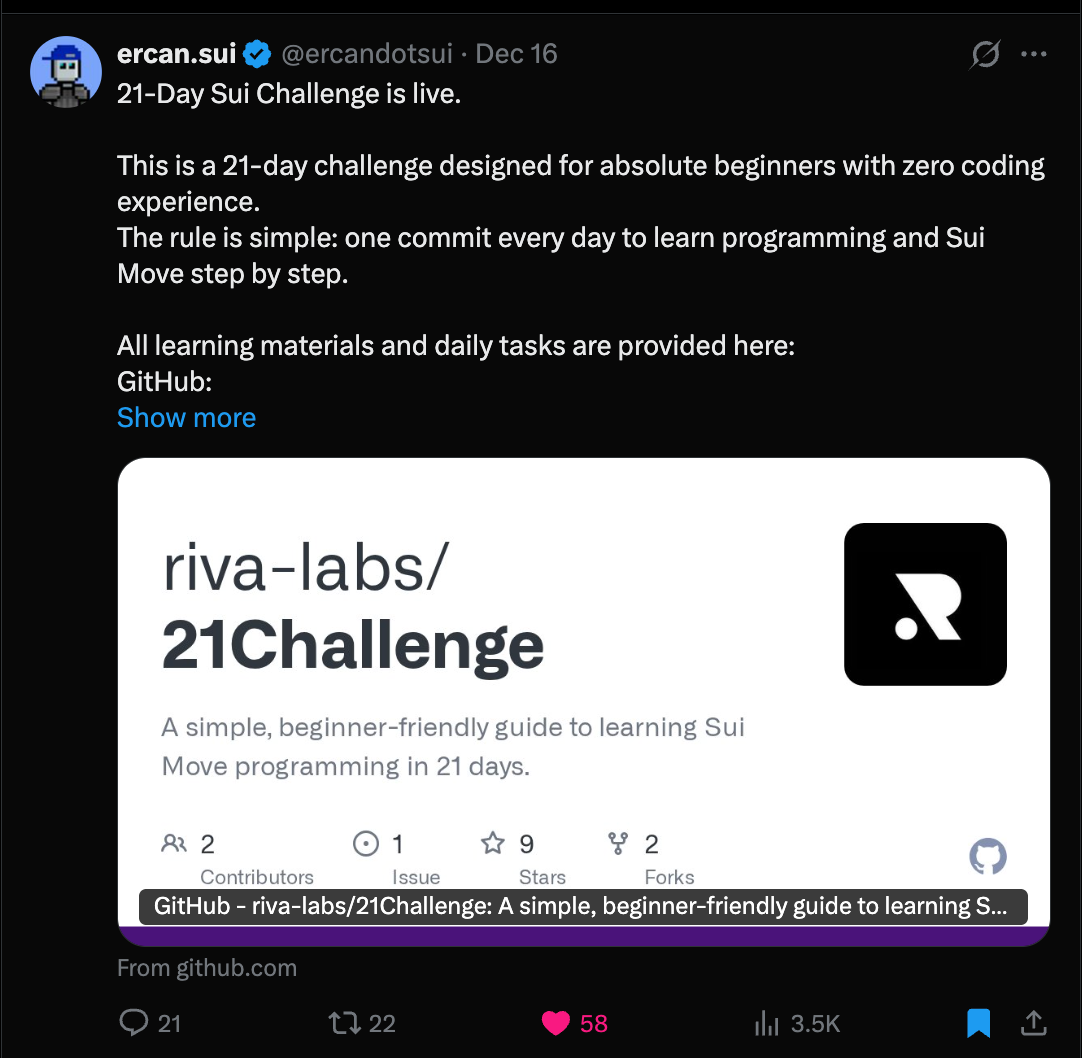

The 21-Day Sui Challenge is officially live.
The rules are simple: one commit a day for 21 days.
No need to build the next big thing. No need to master everything at once. Just write some code, push it, and come back tomorrow.
@ercandotsui made this challenge because learning Move shouldn’t feel like a mountain. It should feel like a habit — something small you do daily until it just clicks.
Why This Matters
I’ve seen smart developers give up on blockchain. Not because they couldn’t do it. They totally could. But because every tutorial out there assumes you already know Rust, already get how consensus works, already have opinions on VM stuff.
That’s a lot to ask from someone just starting out.
Move is different. Sui’s version of Move is even more different. But going from “never touched Move” to “can actually build something” has always been hard. There wasn’t a clear path.
This challenge changes that.
The 21-Day Challenge breaks things into small pieces. Day 1? You define three constants. That’s it. You type them, build, commit. Done.
No single day is magic. But doing it every day? That’s where it adds up.
Setting Up Your Environment
Before writing any Move code, you need two things: the Sui CLI and a good way to interact with it.
Installing Sui CLI
Open your terminal and run:
curl -sSfL https://raw.githubusercontent.com/Mystenlabs/suiup/main/install.sh | sh
suiup install sui@testnet
sui --version
If you see a version number, you’re ready.
The Better Way: Sui CLI Web
Here’s the thing — the terminal is powerful but not always pleasant. I built Sui CLI Web because I got tired of copying addresses, hunting for object IDs, and staring at walls of JSON.
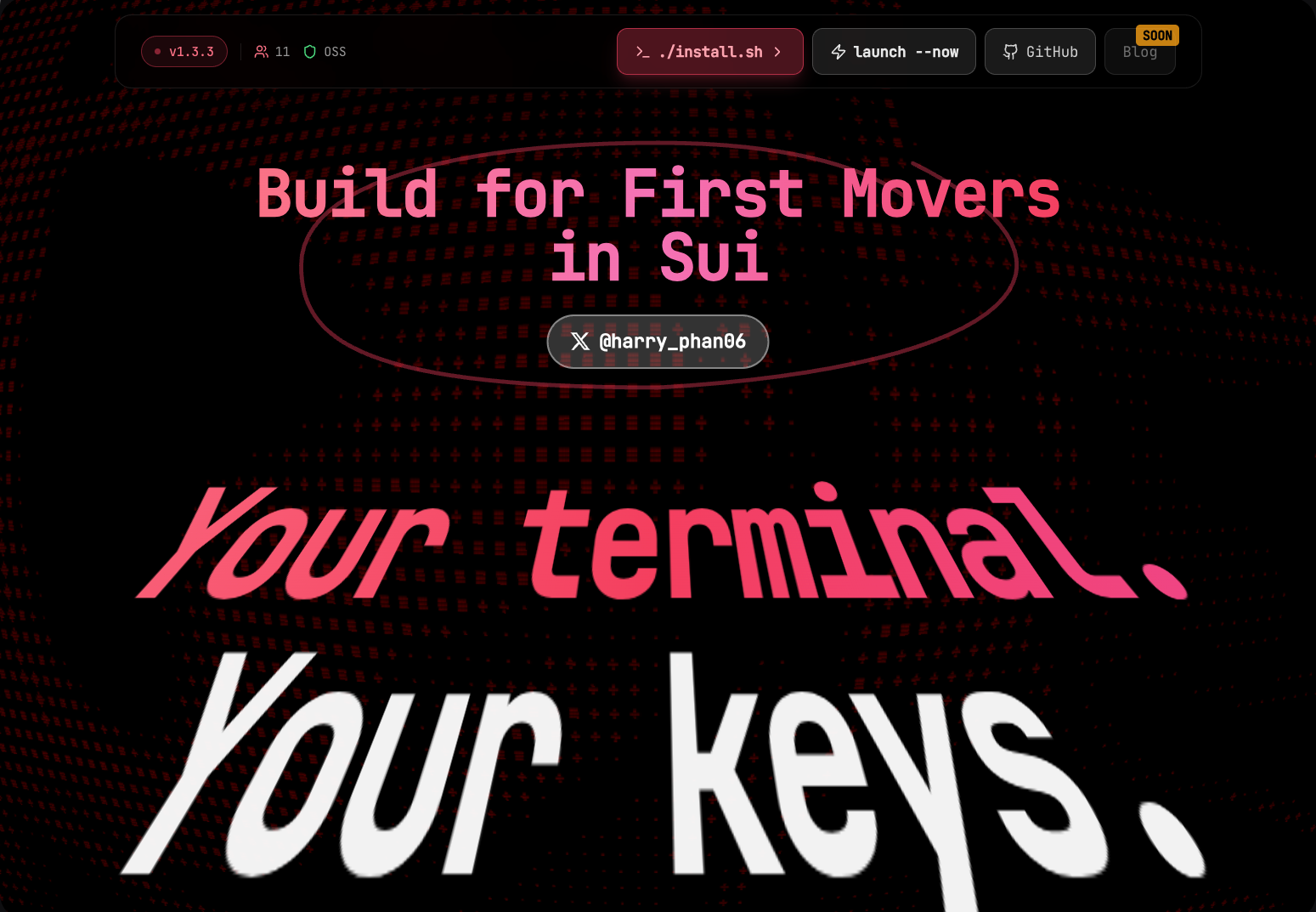
Sui CLI Web: A visual interface that talks to your local Sui CLI
It’s a browser-based interface that connects to your local Sui CLI. Click what you need, see the results instantly.
- Check balance — see all your coins at a glance
- Get testnet tokens — one-click faucet
- View transactions — explore your tx history
- Switch networks — toggle between testnet/mainnet/devnet
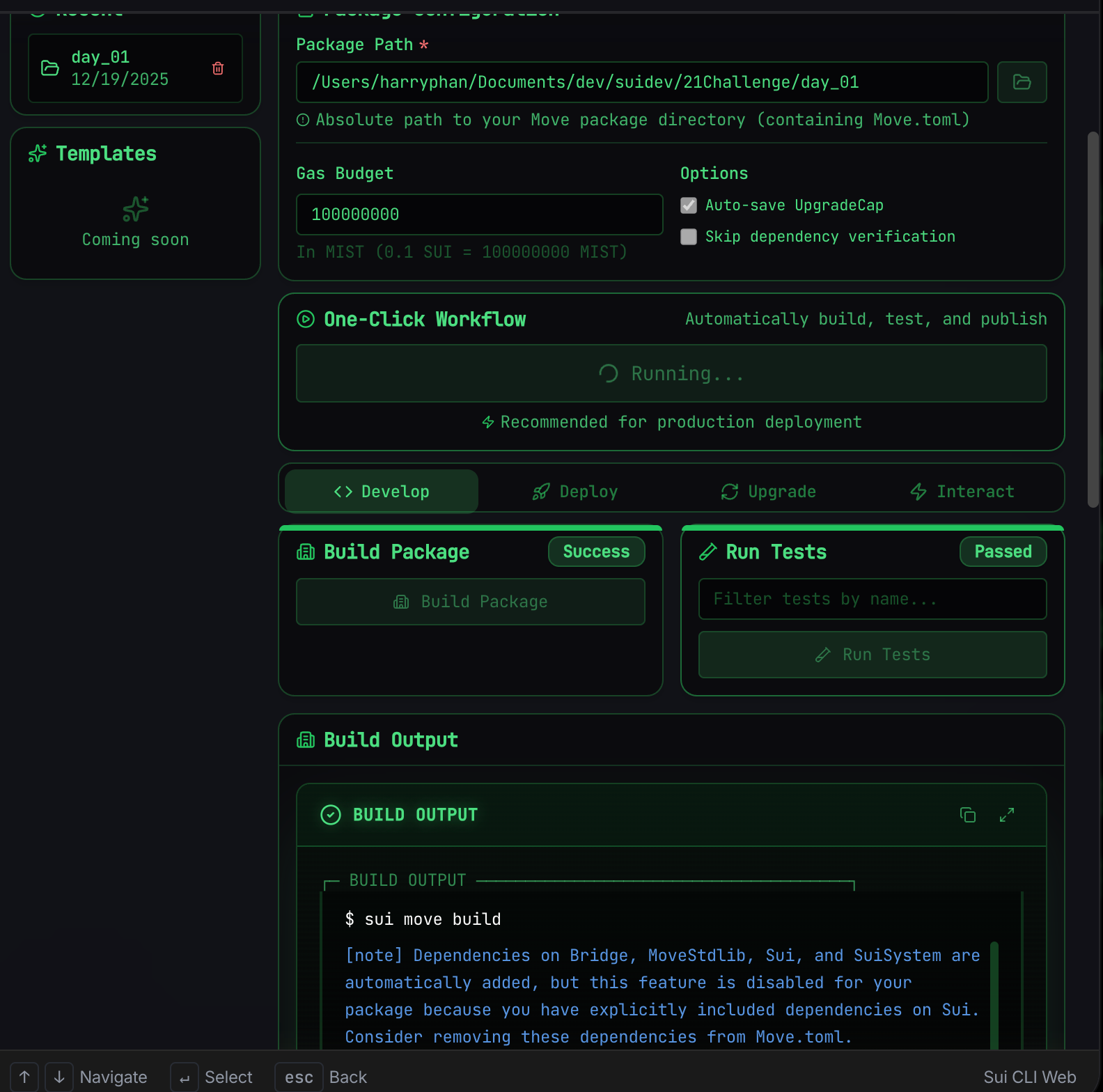
The Develop tab: Build your package and run tests with one click
Your private keys never leave your machine. The web interface just makes the CLI actually pleasant to use.
VS Code Setup
Get VS Code and install the Move extension by Mysten Labs. This gives you:
- Syntax highlighting
- Error detection as you type
- Go-to-definition for Move code
Trust me, you want this.
Clone the Challenge
git clone https://github.com/riva-labs/21Challenge.git
cd 21Challenge
Verify everything works:
cd day_01
sui move build
See “Build successful”? Let’s dive into Day 1.
Day 1 Deep Dive
Day 1 looks simple on paper: “Define some constants.” But there’s a lot hiding under the surface. Let me show you what I actually wrote for my Day 1.
The Module Structure
Every Move file starts with a module declaration:
module challenge::day_01 {
    // Everything goes here
}
The format is package_name::module_name. Think of it like namespacing in other languages. The challenge part comes from your Move.toml file.
Basic Constants
The simplest thing you can do in Move:
const NUMBER: u64 = 42;
const FLAG: bool = true;
const MY_ADDRESS: address = @0x1;
Three types, three constants. But here’s what’s interesting about each:
u64 — This is an unsigned 64-bit integer. Move doesn’t have signed integers. No negative numbers. This might feel limiting, but it eliminates an entire class of bugs (underflow to negative values).
bool — Just true or false. Nothing fancy.
address — This is unique to Move. Every object, every account, every package has an address. The @ prefix is Move syntax for “this is an address literal.”
The Integer Type Spectrum
Move has six integer sizes:
const TINY: u8 = 255;                    // 0 to 255
const SMALL: u16 = 65_535;               // 0 to 65,535
const MEDIUM: u32 = 4_294_967_295;       // 0 to ~4.3 billion
const LARGE: u64 = 18_446_744_073_709_551_615;  // The big one
const HUGE: u128 = 340_282_366_920_938_463_463_374_607_431_768_211_455;
const MASSIVE: u256 = 0xFFFFFFFFFFFFFFFFFFFFFFFFFFFFFFFFFFFFFFFFFFFFFFFFFFFFFFFFFFFFFFFF;
Why so many? Gas optimization. If you’re storing a number that’s always between 0-255, using u8 costs less than u64. On-chain, every byte matters.
The underscores (1_000_000) are just for readability. The compiler ignores them.
Number Formats
Move supports different ways to write numbers:
const DECIMAL: u64 = 1_000_000;     // One million
const HEX: u64 = 0xDEADBEEF;        // Hex format
const HEX_BYTE: u8 = 0xFF;          // 255 in hex
const WITH_SUFFIX: u8 = 100u8;      // Explicit type suffix
The hex format (0x...) is common when dealing with addresses or bit manipulation. The type suffix (100u8) lets you be explicit about the type without a separate declaration.
Addresses in Sui
const ZERO_ADDR: address = @0x0;
const SUI_FRAMEWORK: address = @0x2;
const STD_ADDR: address = @0x1;
const CHALLENGE_ADDR: address = @challenge;
Some addresses are special:
@0x1— The Move standard library@0x2— The Sui framework (whereCoin,TxContext, etc. live)@challenge— A named address from yourMove.toml
Named addresses are powerful. Instead of hardcoding hex strings, you reference them by name and set the actual value in config.
Move Type System
Here’s where Move gets interesting. Let me show you things that would break in most languages but work perfectly here.
Type Casting (The Safe Way)
fun widen_types(): u256 {
    let a: u8 = 100;
    let b: u16 = (a as u16);    // u8 → u16: safe
    let c: u32 = (b as u32);    // u16 → u32: safe
    let d: u64 = (c as u64);    // u32 → u64: safe
    let e: u128 = (d as u128);  // u64 → u128: safe
    (e as u256)                  // u128 → u256: safe
}
Widening (small → large) is always safe. You can’t lose data going from u8 to u64.
But narrowing is dangerous:
fun narrow_types_safe(): u8 {
    let val: u64 = 200;   // fits in u8
    (val as u8)            // works!
}

// But this ABORTS at runtime:
fun this_will_crash(): u8 {
    let val: u64 = 256;   // too big for u8!
    (val as u8)            // ABORT
}
Move doesn’t silently truncate. If you try to squeeze 256 into a u8, the transaction aborts. This is a feature. Silent data loss is how billion-dollar bugs happen in other languages.
Safety Tests
Here’s what I love about Move. You can write tests that expect failures:
#[test]
#[expected_failure(arithmetic_error, location = Self)]
fun test_overflow_aborts() {
    let max: u64 = 18_446_744_073_709_551_615;
    let _x = max + 1;  // ABORT: overflow
}

#[test]
#[expected_failure(arithmetic_error, location = Self)]
fun test_underflow_aborts() {
    let zero: u64 = 0;
    let _x = zero - 1;  // ABORT: underflow
}

#[test]
#[expected_failure(arithmetic_error, location = Self)]
fun test_division_by_zero_aborts() {
    let x: u64 = 100;
    let _y = x / 0;  // ABORT: div by zero
}
No undefined behavior. No weird wrapping. If math goes wrong, the transaction stops. You can’t accidentally drain a pool because of an underflow.
Bitwise Operations
For the systems programmers:
fun bitwise_operations(): u64 {
    let a: u64 = 12; // Binary: 1100
    let b: u64 = 10; // Binary: 1010

    let _and = a & b;     // 1000 = 8
    let _or = a | b;      // 1110 = 14
    let xor = a ^ b;      // 0110 = 6
    let lshift = a << 2;  // 110000 = 48
    let rshift = a >> 1;  // 110 = 6

    xor + lshift + rshift // 60
}
You’ll use these for flags, permissions, and compact data storage. Not Day 1 stuff usually, but good to know they exist.
Running Your First Tests
Here’s the payoff. Run this in your Day 1 folder:
sui move testYou should see something like:
Running Move unit tests
[ PASS    ] challenge::day_01::test_basic_constants
[ PASS    ] challenge::day_01::test_type_widening
[ PASS    ] challenge::day_01::test_narrowing_aborts_on_overflow
[ PASS    ] challenge::day_01::test_bitwise
[ PASS    ] challenge::day_01::test_arithmetic
...
Test result: OK. 12 passed; 0 failed
All green. That’s Day 1 done.
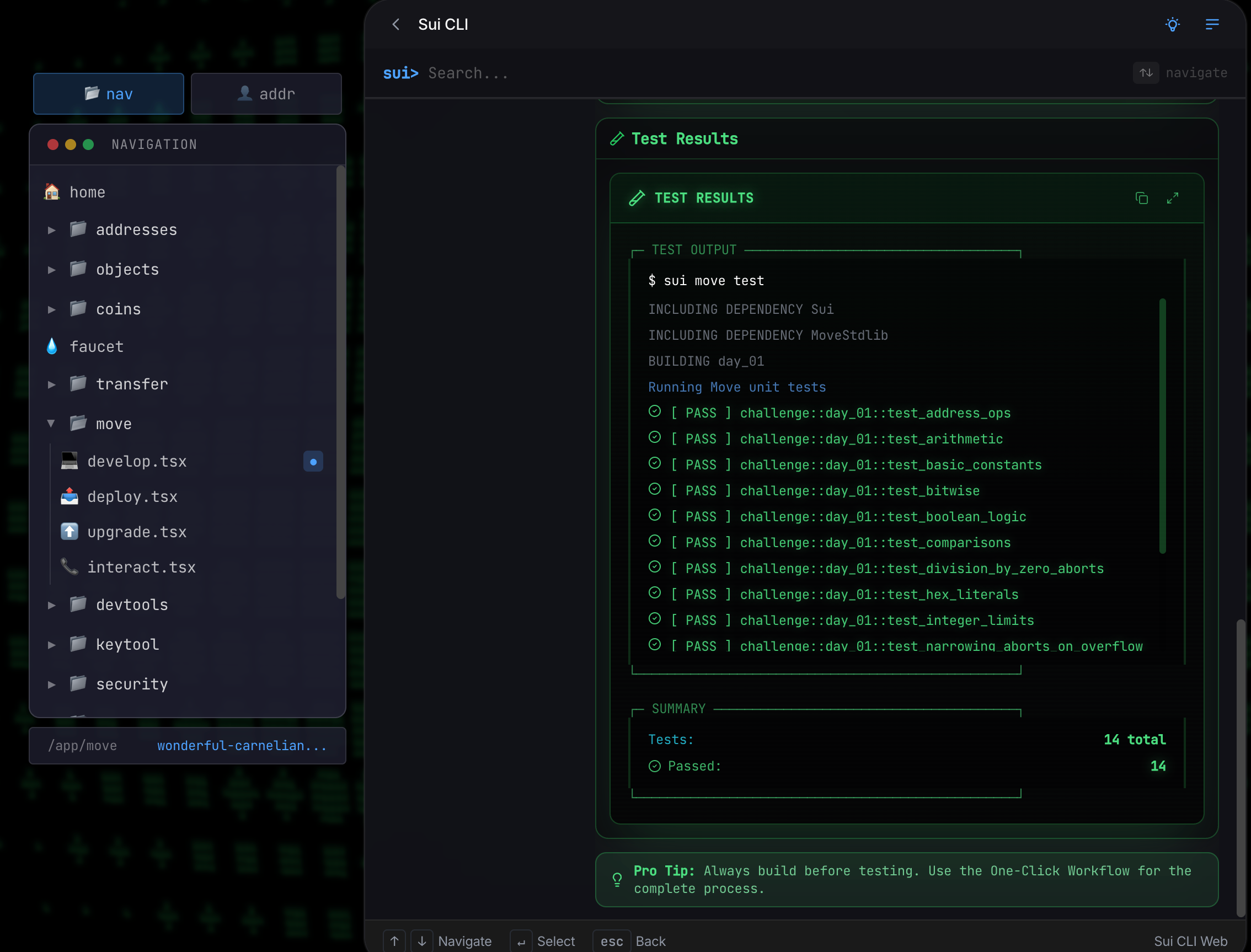
All 14 tests passing in Sui CLI Web
That’s Day 1 wrapped. You’ve learned Move’s type system, written safety tests, and built your first module. Tomorrow we’ll add functions and start making things actually do something.
The foundation is set. Now we build.
The Week Ahead
Week 1: Foundations (Days 1-7)
- Day 1: Modules and primitive types (you just did this!)
- Day 2: Functions and visibility
- Day 3: Structs and data modeling
- Day 4: Abilities (
copy,drop,store,key) - Day 5: References and borrowing
- Day 6: Generics basics
- Day 7: Your first Sui object
By Day 7, you’ll build a simple counter — an object you can create, increment, and read. Not going to win hackathons, but it teaches you how Sui objects actually work.
Week 2: Objects (Days 8-14)
This is where Sui starts feeling different. You’ll learn about ownership, shared objects, entry functions, and events. By Day 14, you’ll mint an NFT.
Week 3: Patterns (Days 15-21)
The advanced stuff: generics, the “hot potato” pattern, capability-based security, and creating your own tokens. By Day 21, you’ll deploy a complete dApp.
Join the Challenge
Ready to start?
- Clone the repo
- Join the WhatsApp group for daily accountability
- Follow @ercandotsui for official updates
- Tweet your progress with #SuiChallenge
Resources
If you want to go deeper:
- Move Book — The comprehensive language reference
- Sui Documentation — Official docs from Mysten Labs
- Sui by Examples — Learn by building
- Sui CLI Web — Visual interface for Sui CLI
One day. One commit. That’s all it takes to start.
See you on Day 2.
Follow: @ercandotsui | @harry_phan06
🇻🇳 Vietnamese Builders: Level Up Your Journey
First Movers Sprint 2026 is here!
Following the success of CommandOSS Hacker House HCMC, First Movers Sprint 2026 is designed as a stepping-stone Hacker House — a space for builders in the Sui ecosystem to sharpen their skills, accelerate product development, and get fully prepared for the next CommandOSS Hacker House.
Whether you’re a developer or a non-technical business/growth builder, you’re welcome to join!
Why join First Movers Sprint?
- 💼 Paid internship at top Sui ecosystem projects (full-time)
- 🏆 Exciting prizes and rewards
- 🌟 Learn directly with top mentors from the Sui ecosystem
Co-organized by @firstmoversvn, @0xCommandOSS, and ITviec — the leading IT recruitment platform.